Download Winux
Keep your PC. Start with the familiar successor to traditional operating systems.
Get the current Winux release, review the installation baseline, and choose the download source that works best for you. This page keeps the process simple for users migrating from proprietary systems who want a clean path forward.
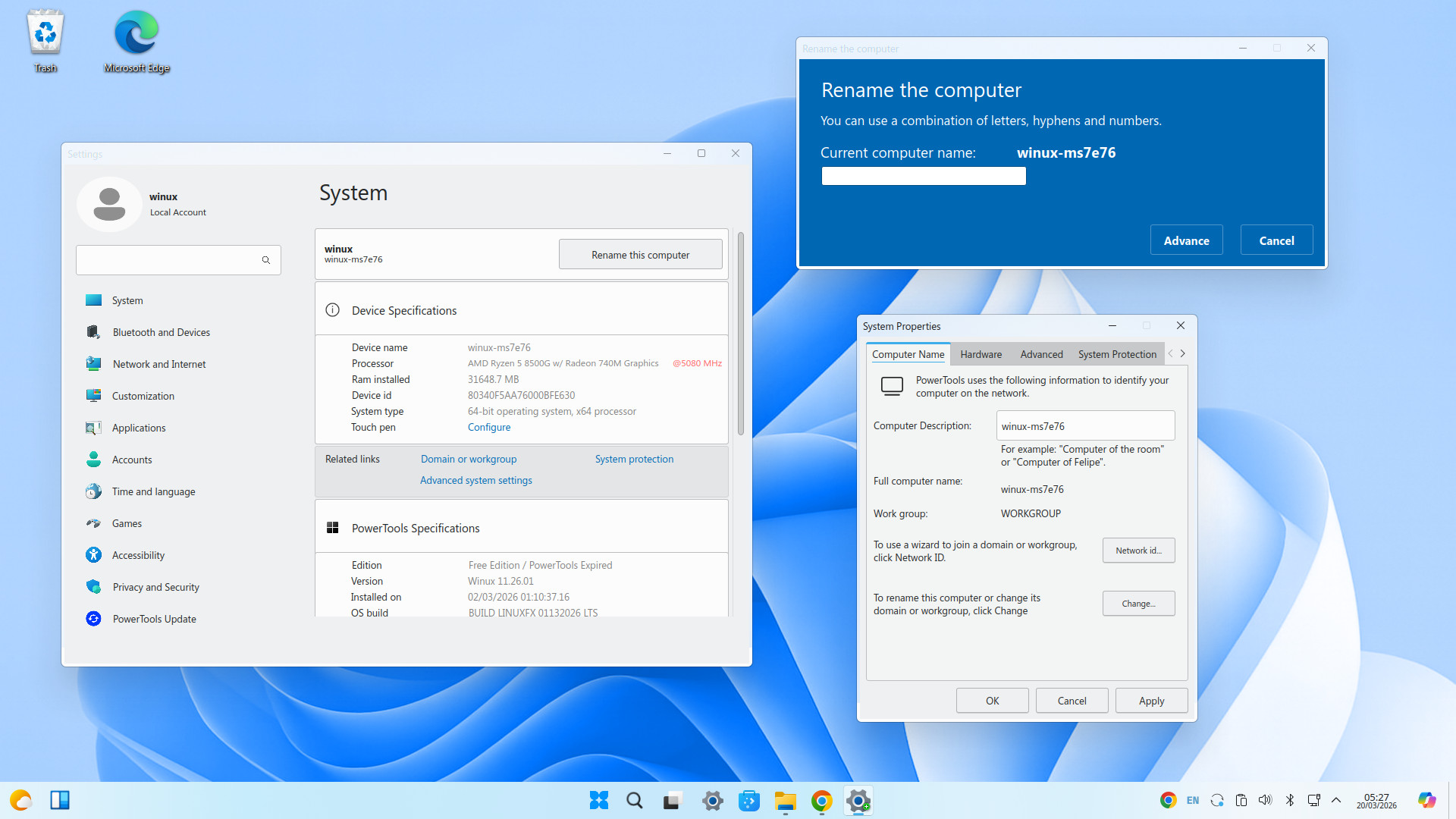
Technical Specifications
What you are downloading
A clean everyday desktop for people moving on from older operating systems, focused on familiar navigation, fast setup, and support for current 64-bit PCs.
Edition
Winux 11 Free Edition
Architecture
64-bit desktop release for modern PC hardware
Experience
Familiar desktop workflow designed for users coming from traditional desktop environments
Installation format
Bootable installer image for USB installation
Release access
Current public release with alternate mirrors available through SourceForge
Hardware Requirements
Suggested installation baseline
A practical baseline for a smooth installation experience on a current or older compatible PC.
Processor
64-bit PC processor, dual-core or better recommended
Memory
4 GB RAM recommended for comfortable everyday use
Storage
32 GB of available disk space or more recommended
Graphics and display
Standard display output with 1366×768 resolution or higher recommended
Installation media
USB flash drive for creating a bootable installer
Compatibility note
Intended for people who want to keep using hardware that may not meet forced upgrade requirements for newer proprietary operating systems