Releases / Changelogs / Roadmap

Winux News

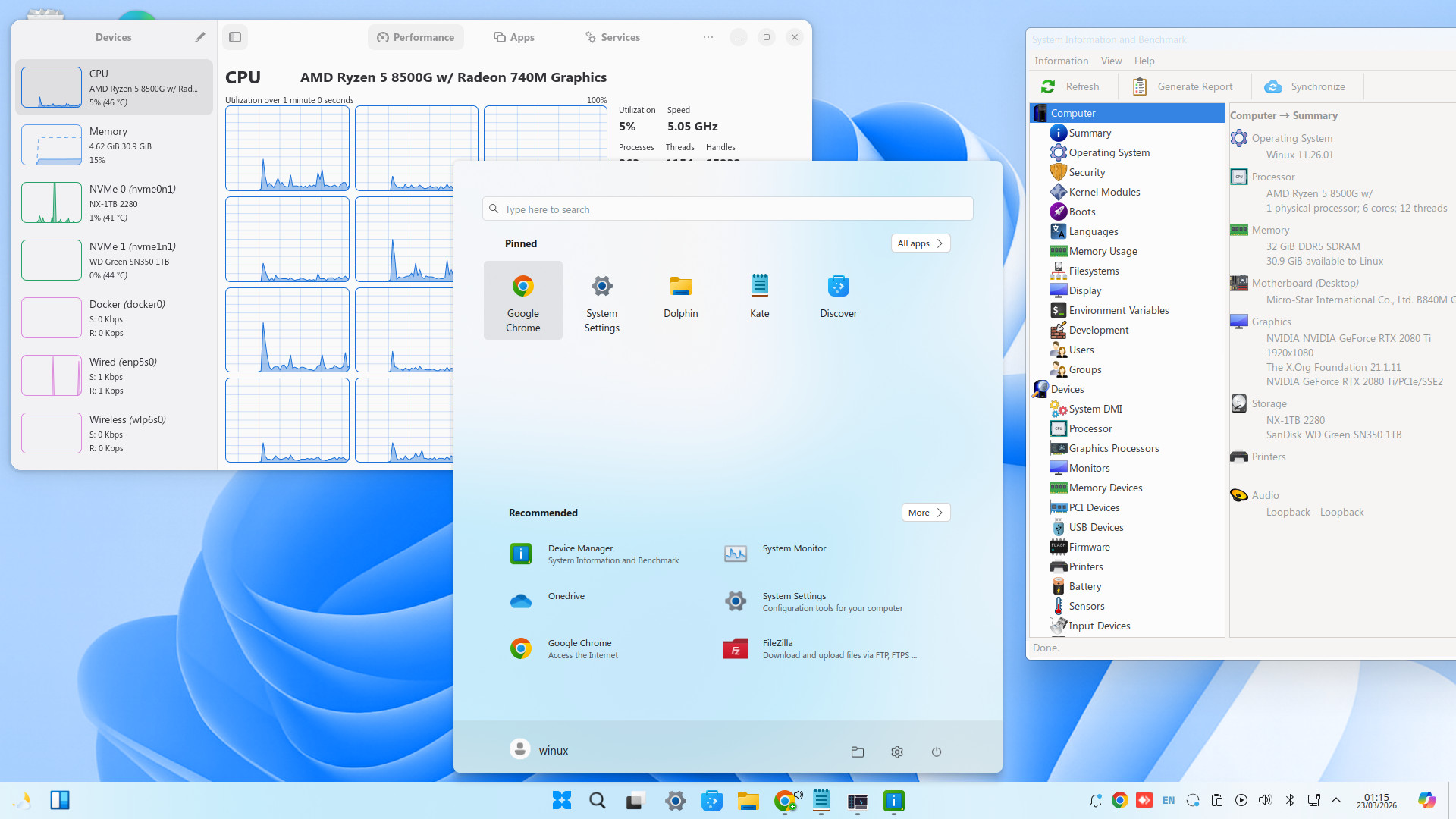
June Edition Released Winux 11.26.06, built for people moving from traditional operating systems without hardware barriers.

This release brings official Winux branding, automatic OTA updates for Winux Pro Tools, Ubuntu-delivered security updates, and a familiar modern desktop designed for productivity, compatibility, and long-term daily use.

Release date: 06-12-2026

Release Highlights

  • Official transition path for new users from traditional operating systems.
  • All legacy system logos replaced with official Winux branding.
  • Themes inspired by classic desktop interfaces and RedSand.
  • Control panel plus control and configuration screens inspired by traditional designs.
  • Native support for desktop applications (.exe) via WinBoat.
  • Integrated OneDrive-compatible graphical interface.
  • Pre-installed Edge browser, Google Chrome, Opera-GX, Steam, and Heroic.
  • Native Active Directory graphical support with an exclusive AD login screen.
  • Native Android support with Play Store and 3D hardware support for games.
  • High-performance Kernel 6.17 for 2026 hardware support.
  • Legacy and EFI support with no TPM or Secure Boot requirement.
  • Professional typography including Arial, Times New Roman, and Verdana.

Use for Free Forever

  • The system remains fully operational for daily use, free of charge, indefinitely.
  • You can browse the web, edit documents, and use the core system for productivity at no cost.
  • Installation includes 30 days of full Winux Professional Tools access for evaluation.
  • After the evaluation, the system does not lock and remains functional for essential activities.
  • Only administrative automation tools and specific Professional Tools functions are limited until a PRO license is activated.
  • Winux Professional is now completely free for students (Requesting your license by email).

What’s New for You?

  • Refined logos and terminology for a more professional and seamless experience.
  • Professional Tools Admin introduces a familiar “Run as Administrator” workflow.
  • One-Click Restore instantly resets desktop visual settings after accidental changes.
  • Enhanced compatibility for standard desktop applications, OneDrive, and network folders.
  • Modern hardware support improves compatibility with 2025 and 2026 devices, including Xbox controllers.